In website management, some issues are obvious and easy to detect. Others are silent, structural, and capable of reducing traffic for months without presenting a single error message. One of the most overlooked of these issues is the invisible page problem—when important pages exist, but users cannot reach them.
This lesson explains why this happens, why it matters, and how to prevent it. It is designed for adult learners, operators, and anyone responsible for maintaining a website’s structure.
1. When Pages Exist but Aren’t Visible
A page can be:
published
indexed
included in the sitemap
technically “live”
…and still be invisible to users.
This happens when:
the page is not in the menu
the homepage does not link to it
hubs or sections do not reference it
the footer lacks identity links
sidebars are not active on key templates
The result is a site that appears complete in the backend but incomplete to visitors.
2. Why Invisible Pages Matter
A. Users cannot find essential information
If visitors cannot reach:
About
Services
Contact
Key sections
Learning hubs
…they leave. Not because the content is poor, but because the path to it does not exist.
B. Search engines detect the missing structure
Search engines evaluate:
visible navigation
internal links
user pathways
site hierarchy
If important pages are not linked, search engines treat them as low‑value, even if the content is strong.
C. The homepage loses its role as the site’s map
A homepage without visible pathways becomes a dead end.
This weakens the entire site’s authority.
3. Why This Issue Is Easy to Miss
Invisible pages are a visibility failure, not a technical failure.
They hide because:
the CMS shows the pages
the sitemap lists them
indexing appears normal
the operator knows they exist
But none of this guarantees that users can reach them.
This is the gap:
operators see the backend; visitors see the front end.
4. The Limits of Automation
Automation can:
generate content
assist with structure
speed up workflows
But automation cannot:
detect missing navigation
understand the lived architecture of a site
guarantee visibility
replace human oversight
Tools are fast and confident, but they do not “notice” what isn’t there.
This is why visibility must always be verified manually.
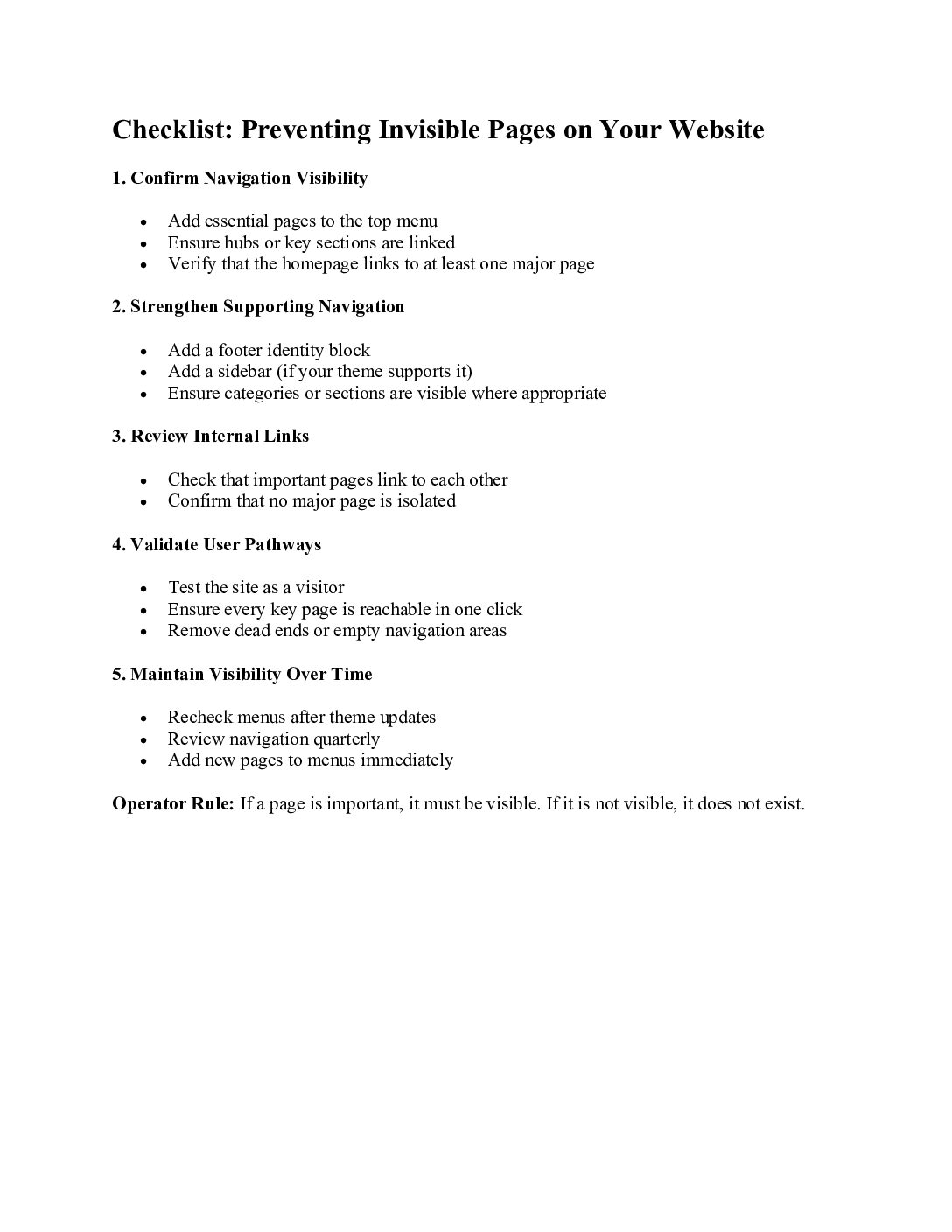
5. The Operator Rule: Visibility Is Non‑Negotiable
A simple principle prevents months of lost traffic:
**If a page is important, it must be visible.
If it is not visible, it does not exist.**
Visibility means:
linked in the top menu
reachable from the homepage
present in hubs or sidebars
discoverable in the footer
part of the internal‑link structure
This is foundational, not optional.
6. How to Prevent Invisible Pages
A. Use the top menu for essential pages
Menus are the most reliable visibility layer.
B. Add a footer identity block
A small About section ensures the site has a visible anchor.
C. Ensure hubs or key sections are linked
Especially for multi‑section or educational sites.
D. Keep the homepage minimal but not empty
Minimalism is good.
Invisibility is not.
E. Review navigation quarterly
Pages drift.
Themes update.
New content is added.
Visibility must be maintained.
7. Professional Takeaway
This lesson is not about fault.
It is about awareness.
Even experienced operators can miss invisible pages because the site appears functional. But visibility is structural. It determines how users move, how search engines understand the site, and how authority flows.
**A site is only as strong as the paths users can see.
If the path doesn’t exist, the page doesn’t exist.**
This is the core learning for anyone managing a website.